
About Napkin AI
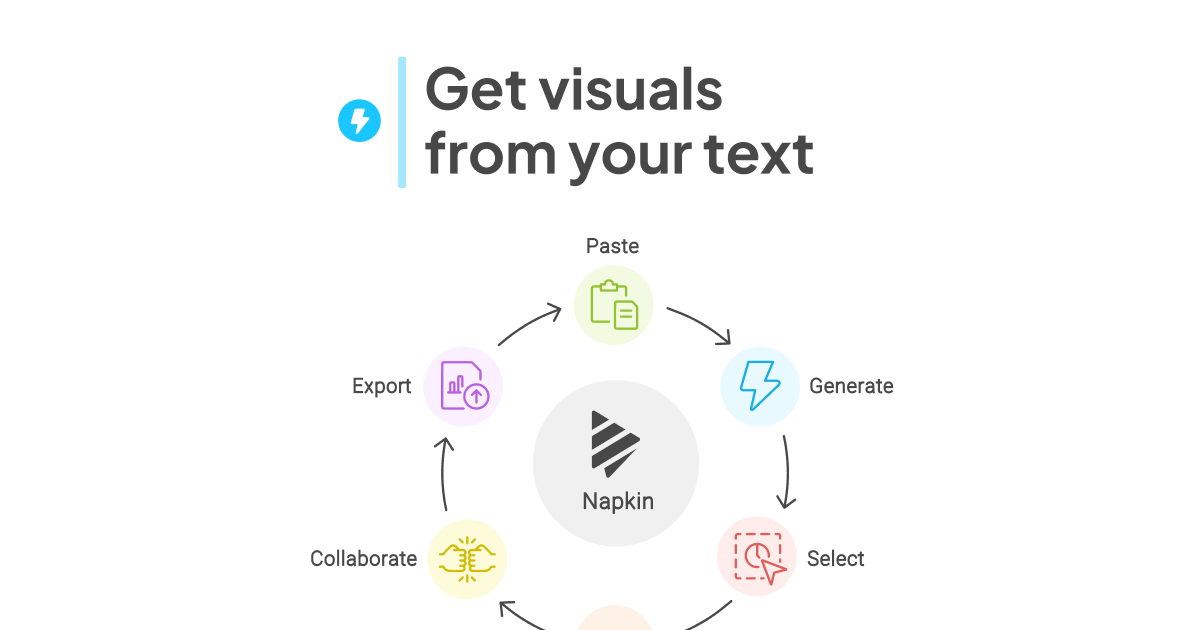
Napkin AI turns written text into visuals. You write or paste text (or import a document), select a passage, and Napkin suggests diagrams that fit it: flowcharts, mind maps, process steps, comparisons, infographics and data charts.
Key features
- Text to visual: several layout suggestions for each selection, all fully editable.
- Customisation: change colours, fonts, icons and layout. Paid plans add brand styles.
- Import: PPT, DOC, PDF, HTML and Markdown files.
- Export: PNG and PDF on every plan; SVG and PowerPoint on paid plans.
- Collaboration: real-time editing, comments and link sharing.
Pricing
- Free: 500 AI credits per week (about one credit per word you turn into a visual), with Napkin branding on visuals.
- Plus: $9 per person/month.
- Pro: $22 per person/month.
- Yearly billing saves 25%.
Good for
Making slides, docs, blog posts and reports clearer without opening a design tool. Related on SleekNav: Gamma for full AI presentations, Whimsical and Excalidraw for hand-drawn diagrams.